
The Help Window has been updated! It has been redesigned, with some topics having been consolidated and edited for content. Topics that referred to unused features have been removed, and out of date information has been updated. Also, Tutorials will now automatically trigger when you first engage with core aspects of the game, like creating your character, obtaining a familiar or mount, finding an adornment, or starting a tradeskill class.
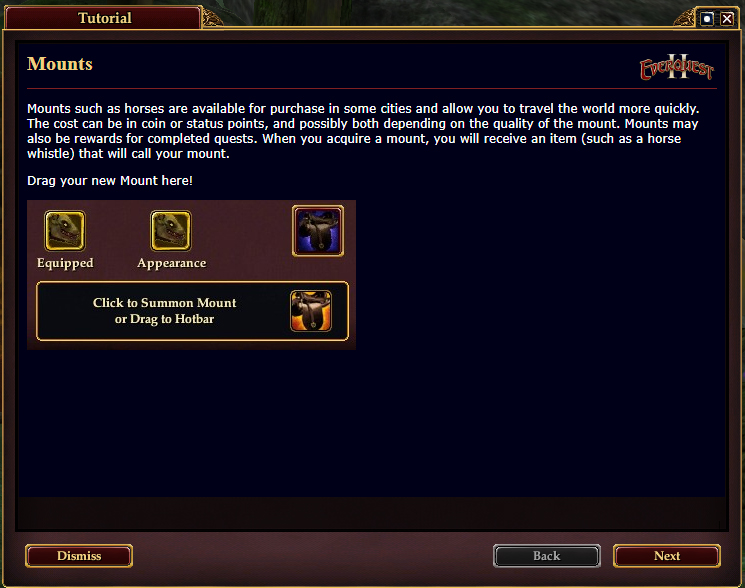
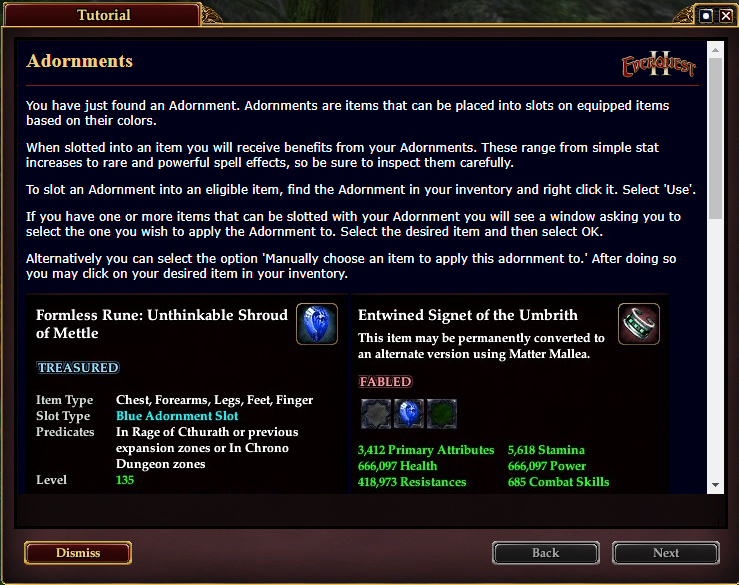
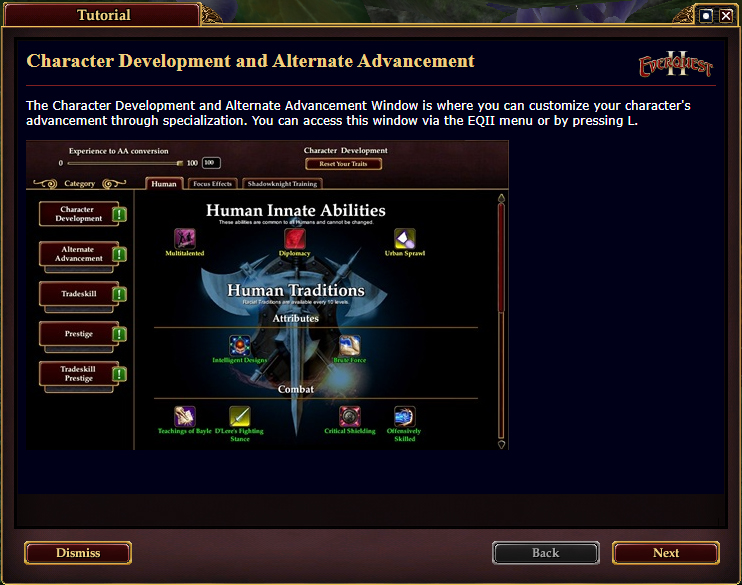
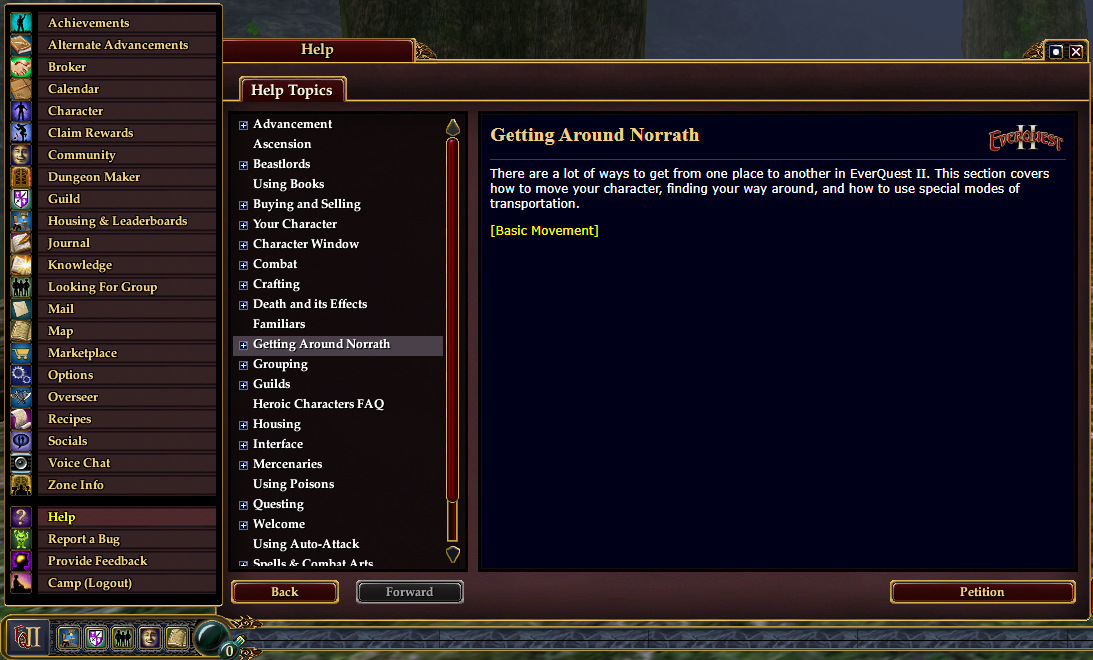
The Help Window can be found by clicking the EQII button located in the bottom left of the screen, then clicking the Help option three spaces from the bottom of the list.
If you’d like to turn the Tutorial windows off, you can do so by checking the box next to Disable Tutorials before pressing Dismiss.
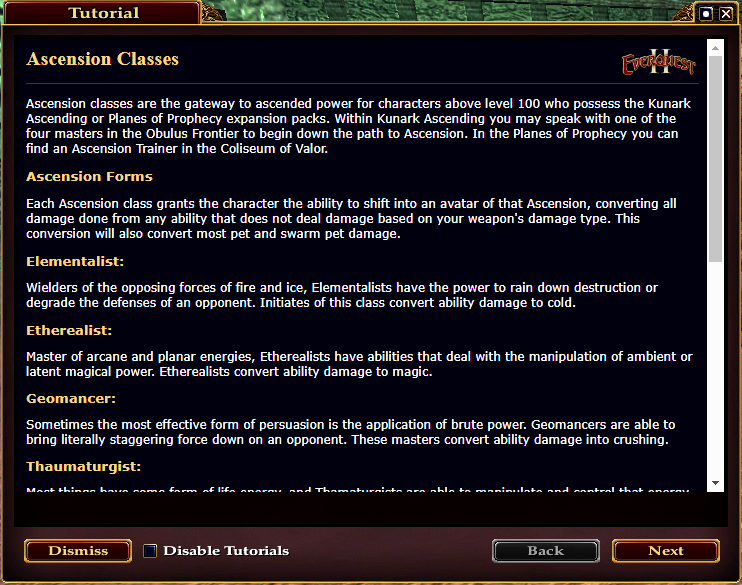
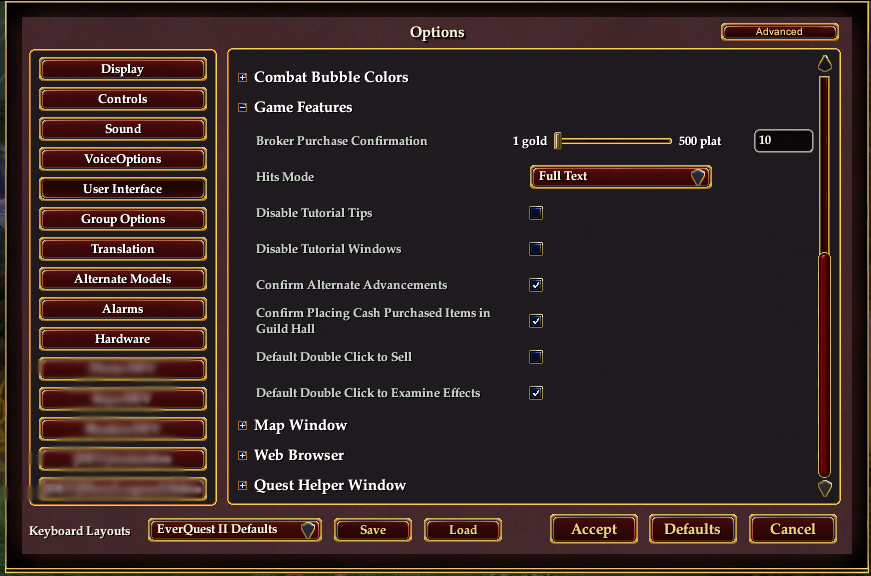
If you missed the box because you dismissed too fast, or wish to re-enable them, you can do so as below:
- Click the EQII button at the bottom left of the screen.
- Open Options.
- Go into User Interface.
- Expand Game Features.
- Uncheck Disable Tutorial Tips.